

Setup
This service currently supports Microsoft Presidio for configuring Guardrails rules.1
Install
Check the Microsoft Presidio documentation to install it.
Microsoft Presidio Docker Installation
Visit the Microsoft Presidio documentation to install it using Docker.
Microsoft Presidio Kubernetes Installation
Visit the Microsoft Presidio documentation to install it using Kubernetes.
2
Set up
Set the new environment variables in hoop.dev’s Gateway with the following values:
3
Run hoop.dev's Gateway with the new configs
After setting up the environment variables, hoop.dev will use Microsoft Presidio to mask sensitive data in real-time in the data stream of any connection you configure.
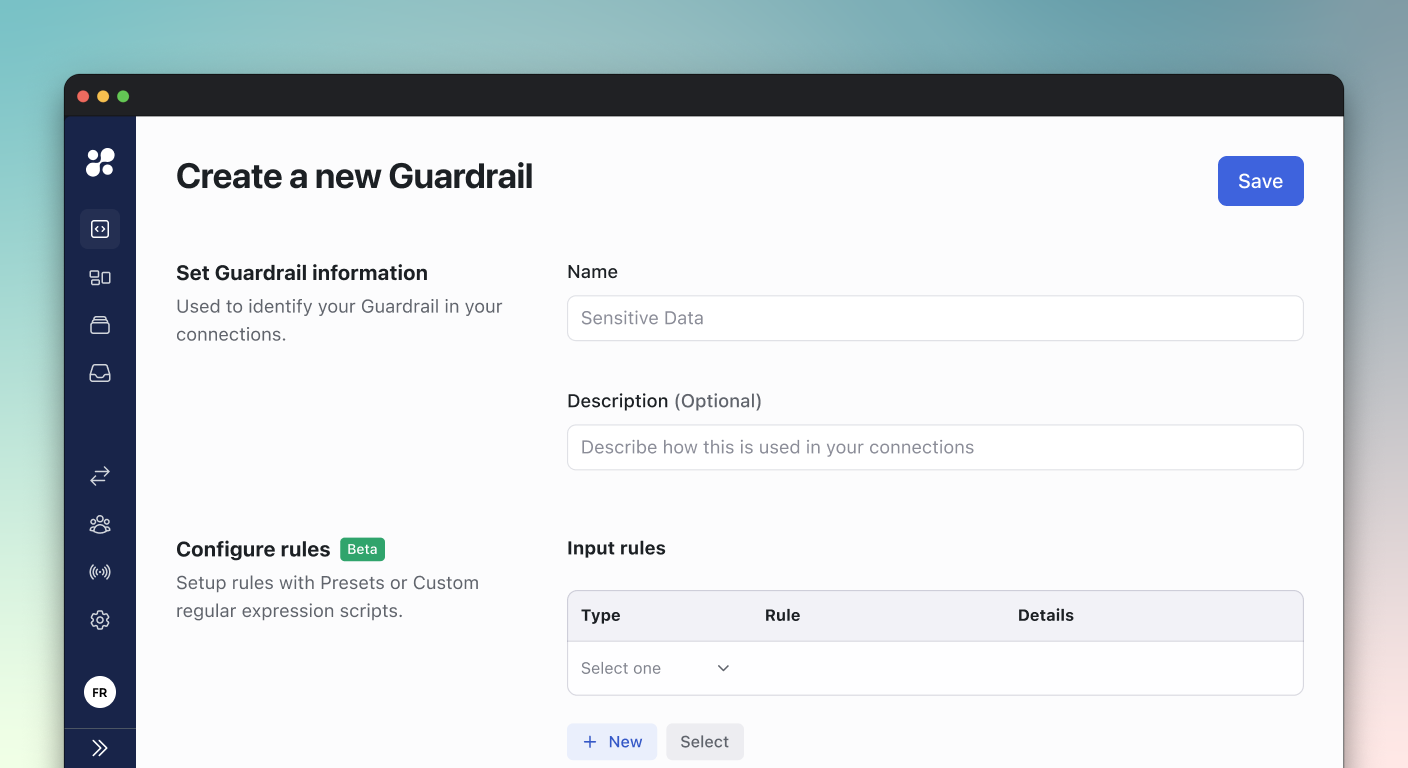
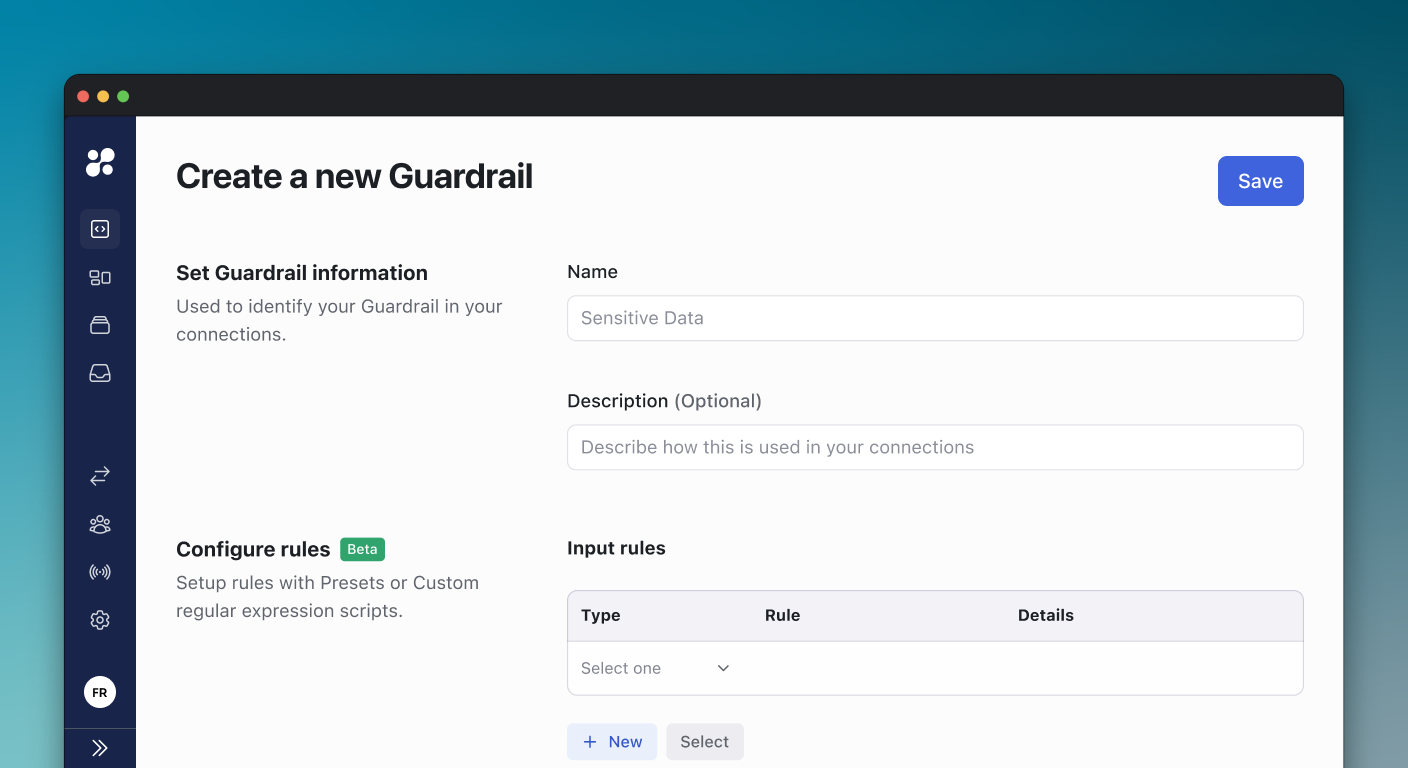
Creating a Guardrail
1
Access Guardrails
Navigate to the Guardrails section from the sidebar menu
2
Create New
Click the “Create a new Guardrail” button in the top-right corner
3
Set Basic Information
Provide:
- Name for the guardrail
- Description (Optional) explaining its purpose
4
Configure Rules
Provide:
- Input Rules
- Output Rules
Configuring Rules
Input Rules
Rules that evaluate incoming commands or queries:- Pattern Matching: Define patterns to match specific commands or queries
- Conditions: Set conditions that trigger the rule
Output Rules
Rules that control or modify the output of commands:- Information Control: Control what information can be returned
Rule Types
Pattern Rules
Pattern Rules
Create rules based on command or query patterns:
- Regular expressions
- Exact matches
- Wildcard patterns
Security Rules
Security Rules
Enforce security policies:
- Block dangerous commands
- Require additional approvals
- Limit access to sensitive data
Compliance Rules
Compliance Rules
Ensure compliance requirements:
- Data access restrictions
- Audit logging requirements
- Regulatory compliance rules
Applying Guardrails
Connection Assignment
1
Select Connections
Choose which connections will use the guardrail
2
Set Priority
Define the order of rule evaluation when multiple guardrails apply
3
Configure Behavior
Specify how rules should be enforced:
- Block non-compliant actions
- Warn users
- Require approval
Best Practices
Start Simple
Begin with basic rules and expand as needed
Test Rules
Validate rules in a test environment first
Document Purpose
Clearly describe what each rule does
Regular Review
Periodically review and update rules
Learn More
Managing Access
Learn about access control configuration
Command Reviews
Configure command review workflows